
Play retro games in your browser, and change how they play.
Six consoles, one player, built around Game Genie and GameShark codes: switch on known codes, type in your own, make your own with the code tools, or press one button for a random code and see what happens.
START JAMMING- 6 consoles
- 1,700+ games with known codes
- 32,000+ known codes
- 69 TV sets, cabinets, consoles and shells
Six consoles, one player
Every console plays in the same player, with the same codes panel, code tools, menu and saves. Open a game you own: it stays in your browser, and nothing is uploaded. A .zip or .7z with the game inside opens too.
NES
Game Genie
The console that started it. Six- and eight-letter Game Genie codes, and a known-codes library for more than 600 games, each code checked against the game.
- Known codes 10,449 for 609 games
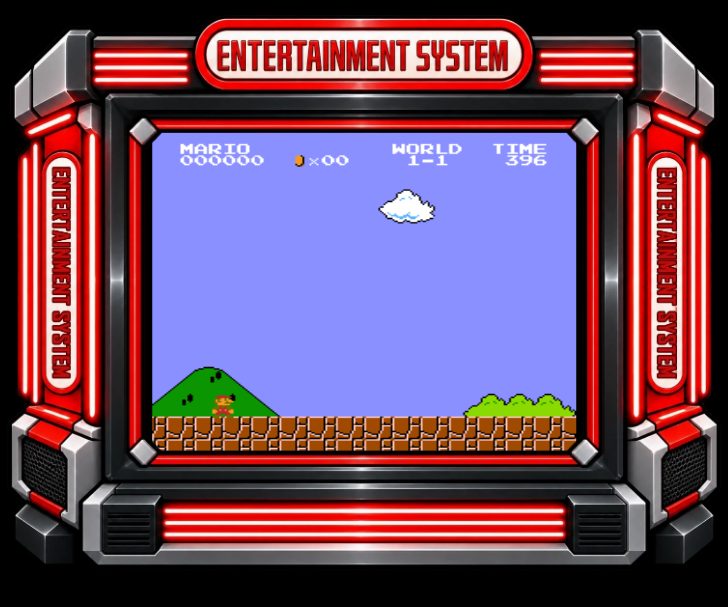
- Frames the Entertainment System set, the Retro console, seven TV sets and eight arcade cabinets
- Files .nes
Super NES
Game Genie · Pro Action Replay
Game Genie codes and Pro Action Replay codes, typed in the same box. The add-on chips that were inside the cartridges are built in, so Star Fox and Yoshi's Island (Super FX), Super Mario RPG and Kirby Super Star (SA-1), Super Mario Kart (DSP-1), Mega Man X2 and X3 (CX4) and Top Gear 3000 (DSP-4) play.
The Enhanced picture draws the game at four times the size, smoothing each layer on its own and keeping rotating Mode 7 floors sharp into the distance.
- Known codes 4,961 for 196 games
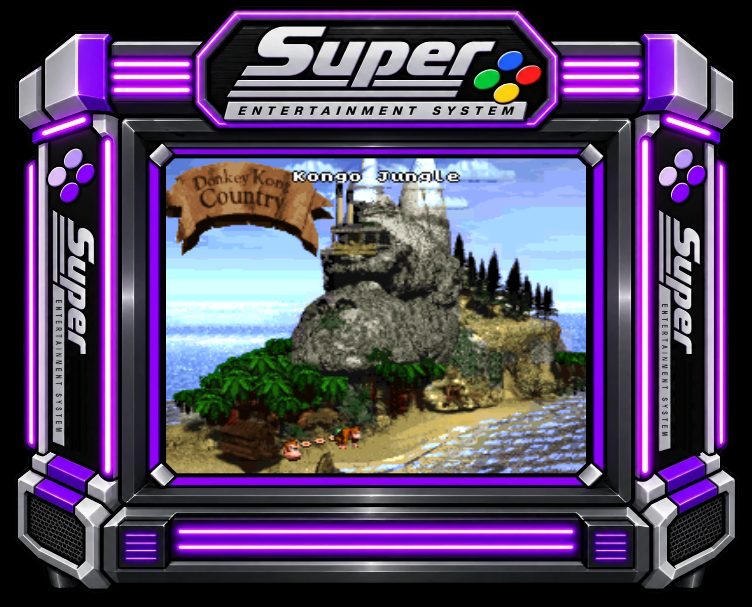
- Frames the Super Entertainment System set, the Super console, seven TV sets and eight arcade cabinets
- Controller L and R on the triggers
- Files .sfc, .smc
Genesis
Game Genie
The Genesis Game Genie's eight-letter codes, with the largest checked library of any console here. The controller is the three-button pad: A, B and C sit on X, A and B.
- Known codes 9,152 for 257 games
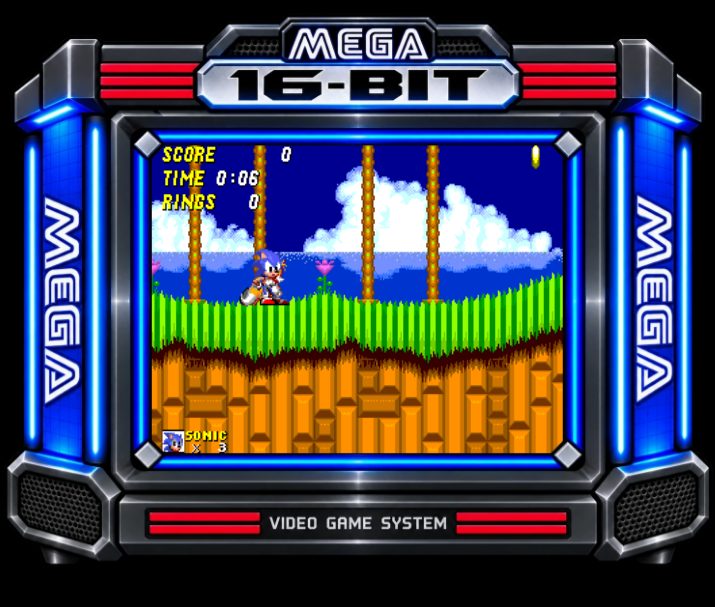
- Frames the Mega 16-Bit set, the Mega console, seven TV sets and eight arcade cabinets
- Files .md, .bin, .gen
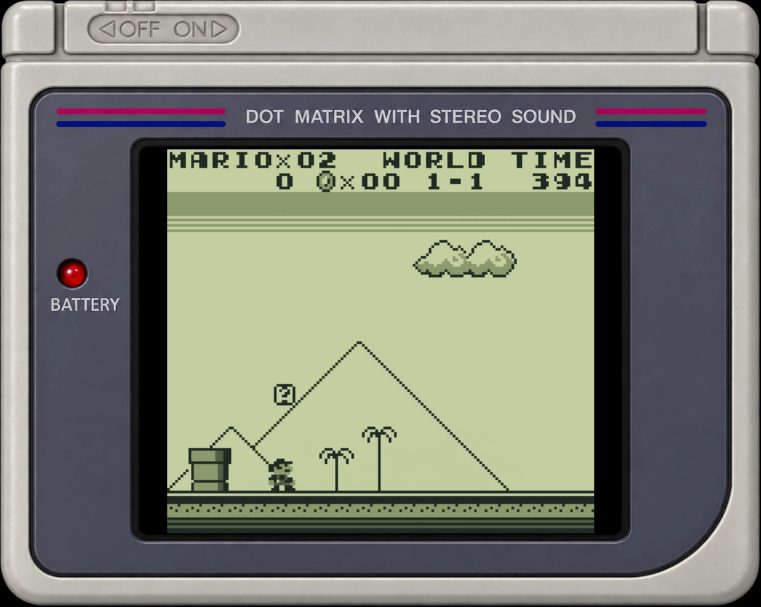
Game Boy
Game Genie
The original green screen, the gray of the Game Boy Pocket, or the colors a Game Boy Color gave the old games. Game Genie codes of six and nine digits.
- Known codes 1,596 for 177 games
- Frames a handheld in gray and six more colors, and four arcade cabinets
- Files .gb
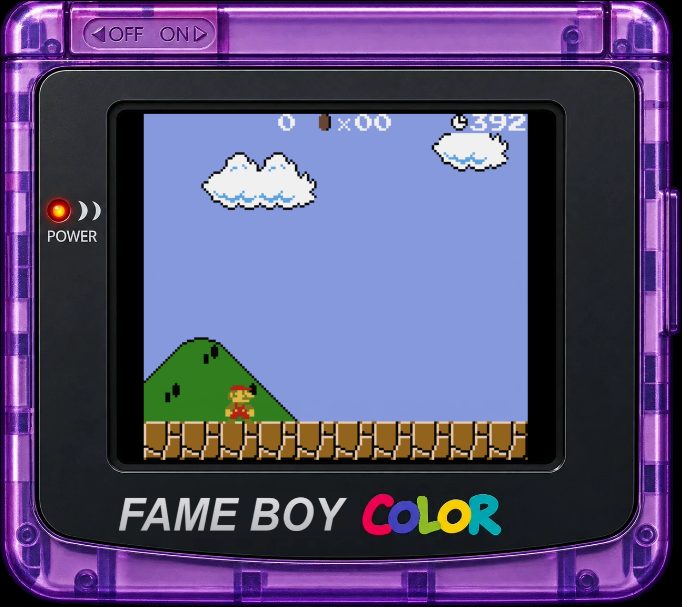
Game Boy Color
GameShark
Color games used the GameShark, so that is what Genie Jam reads and makes for them: eight-digit codes that hold a number in the game's memory.
- Known codes 218 for 45 games
- Frames six Fame Boy Color shells and four arcade cabinets
- Files .gbc
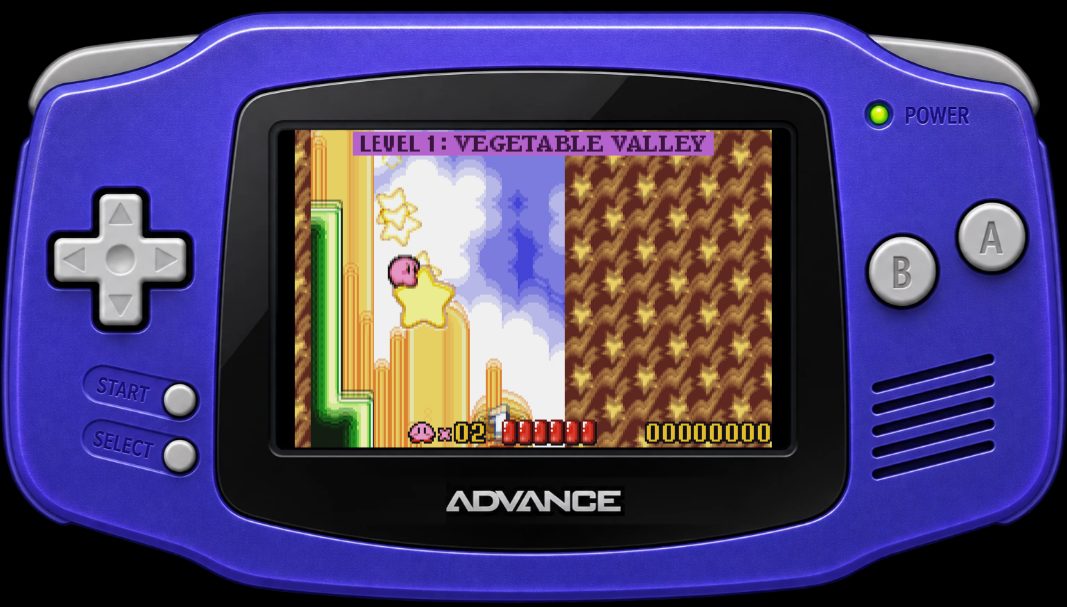
Game Boy Advance
GameShark · Action Replay · CodeBreaker
GameShark V1 and V2, Action Replay V3 and CodeBreaker codes. Codes you make are GameShark codes. Games that use Nintendo's standard sound engine can play their music at higher quality, and the Enhanced picture works here too.
Genie Jam has its own start-up program built in, so no BIOS file is needed; you can add your own under Game in the menu.
- Known codes 6,479 for 497 games
- Frames 15 Advance shells and 15 Advance SP shells, and a widescreen arcade cabinet
- Controller L and R on the triggers
- Files .gba
Codes are the point
Every console gets the same five ways to change a game, in its own code format: Game Genie where the console had a Game Genie, GameShark where it had a GameShark.
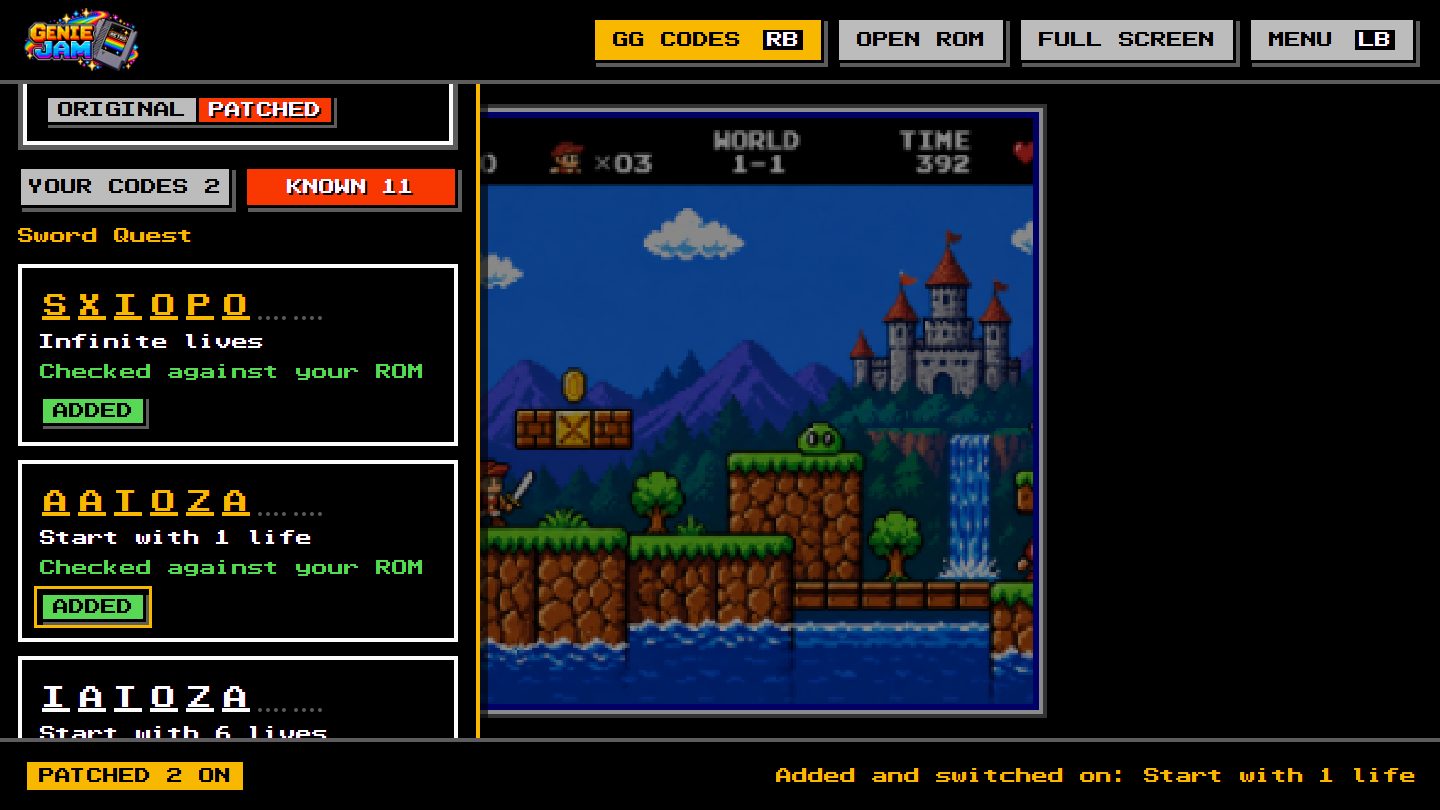
Known codes, one press away
More than 32,000 known codes for over 1,700 games: infinite lives, higher jumps, starting on a later level. Genie Jam checks each one against your copy of the game, and the list shows only the codes that fit it.
Codes nobody could check yet stay out of the way until you ask for them. Try one and a save is taken first, so UNDO puts the game back if it breaks.
Roll a random code
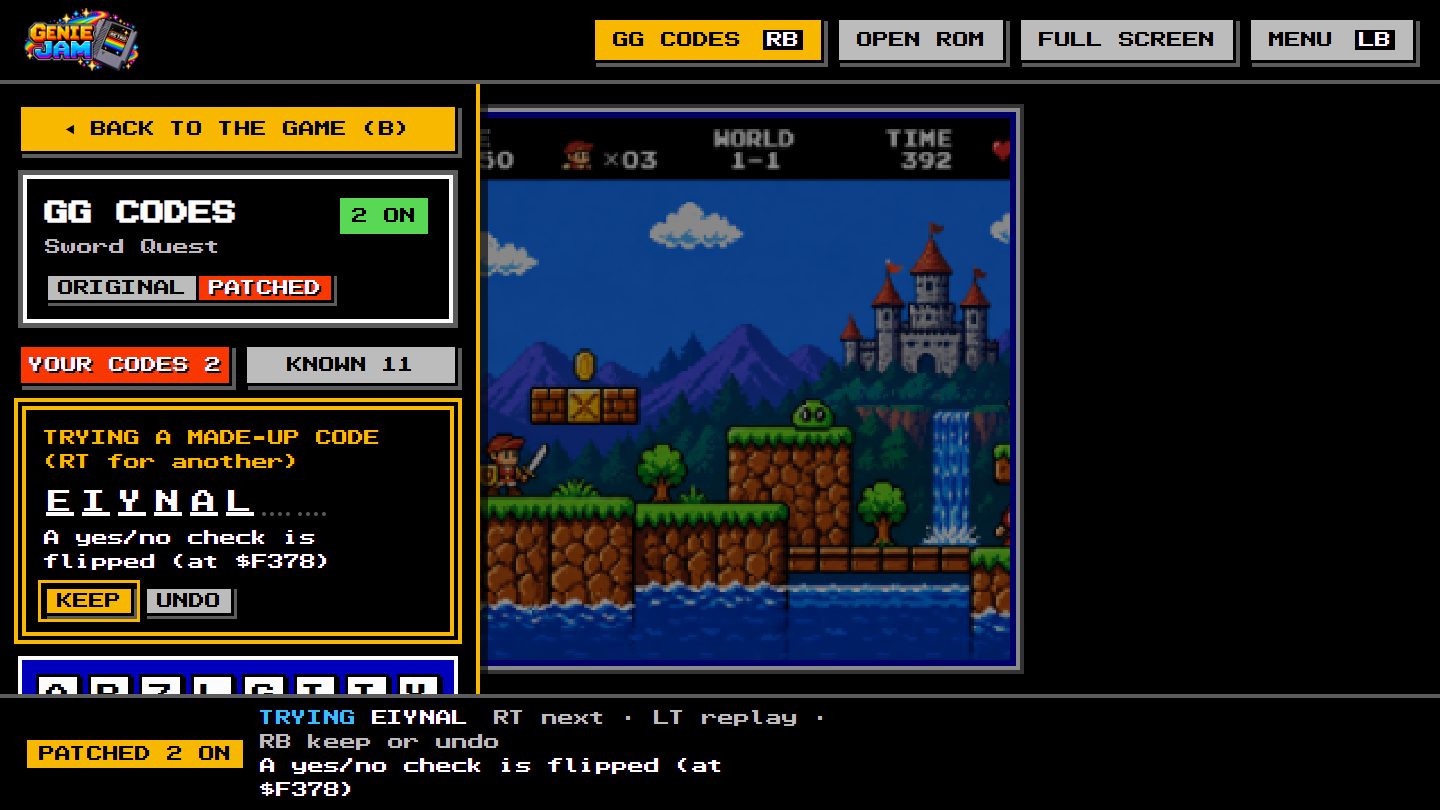
Turn on Random codes in the menu, then press RT and Genie Jam makes up a code on the spot, right where you are in the game. Press RT again for another, LT to see it again.
Some do nothing you can see, some do something strange, and some break the game: UNDO takes those back. KEEP the ones you like.
Type in any code
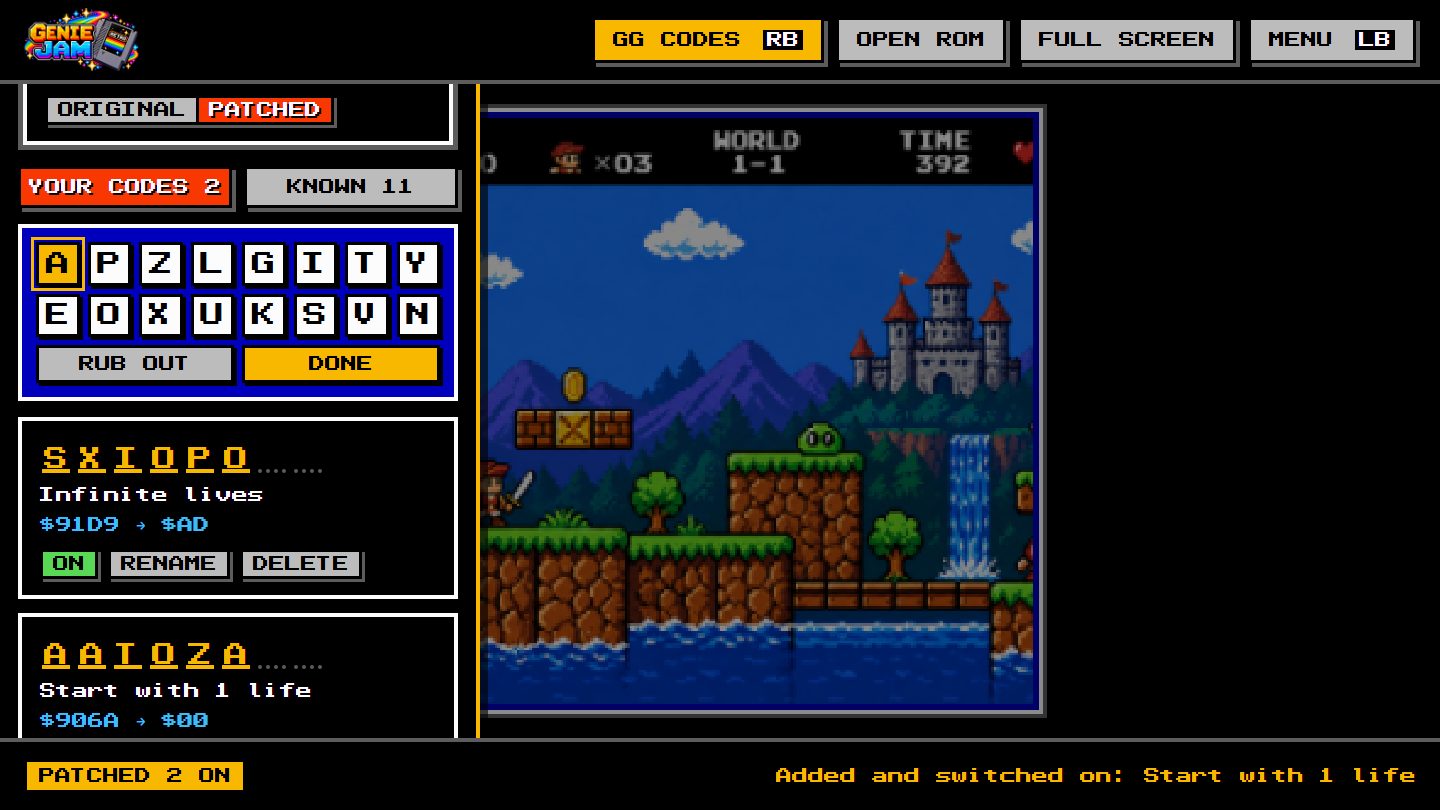
Found a code in an old magazine or on a website? Type it in or paste it, give it a name, and it stays in your code book for that game. A cheat that needs several codes is one entry, joined with +.
Export your codes to a file to keep or share, and import them again.
Make your own codes
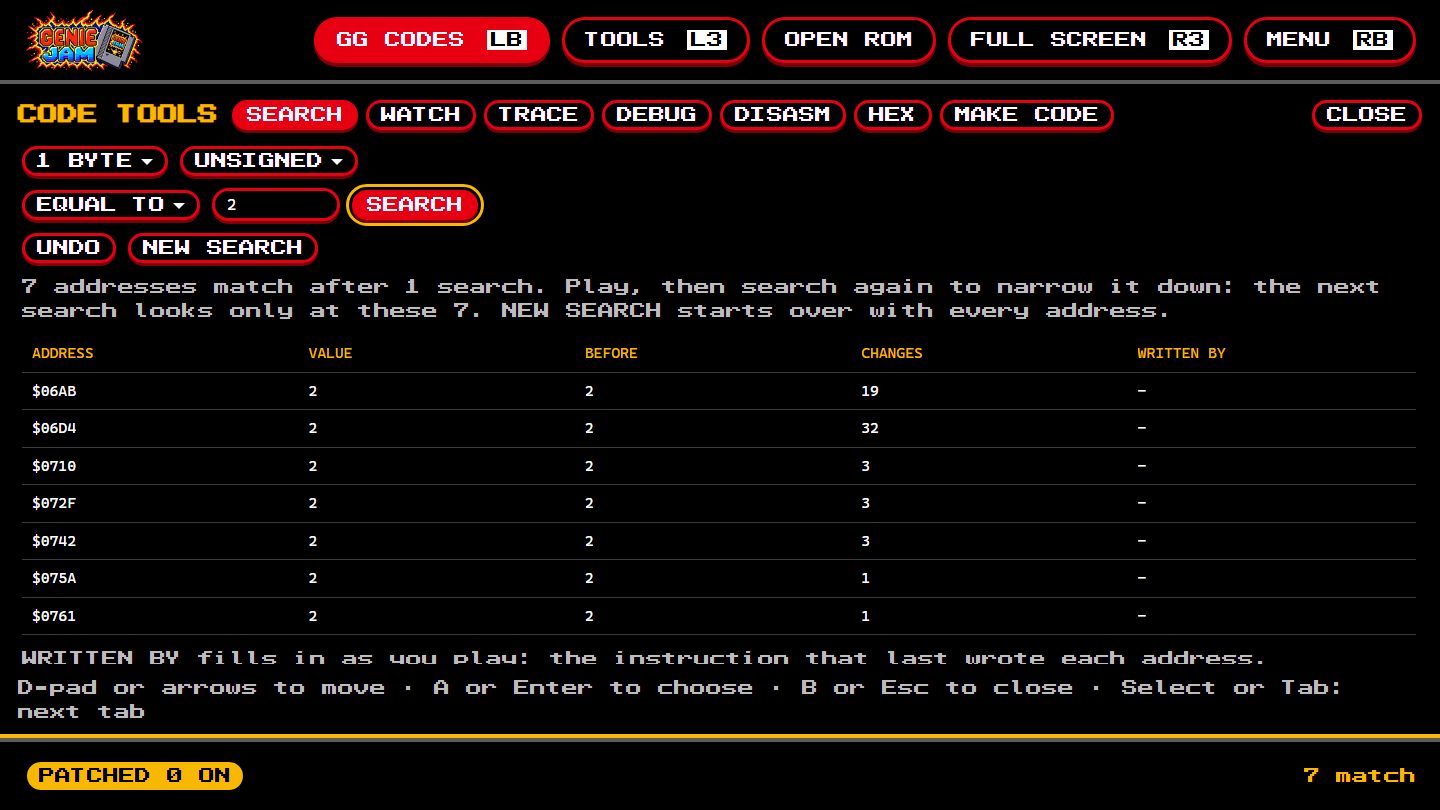
No code for what you want? Make one. Open the code tools (L3, or TOOLS) and the game pauses while you work.
Say you have 3 lives. SEARCH for 3, lose a life, search for 2. Each search keeps only the places in the game's memory that match, so a few rounds bring thousands of addresses down to the one that holds your lives.
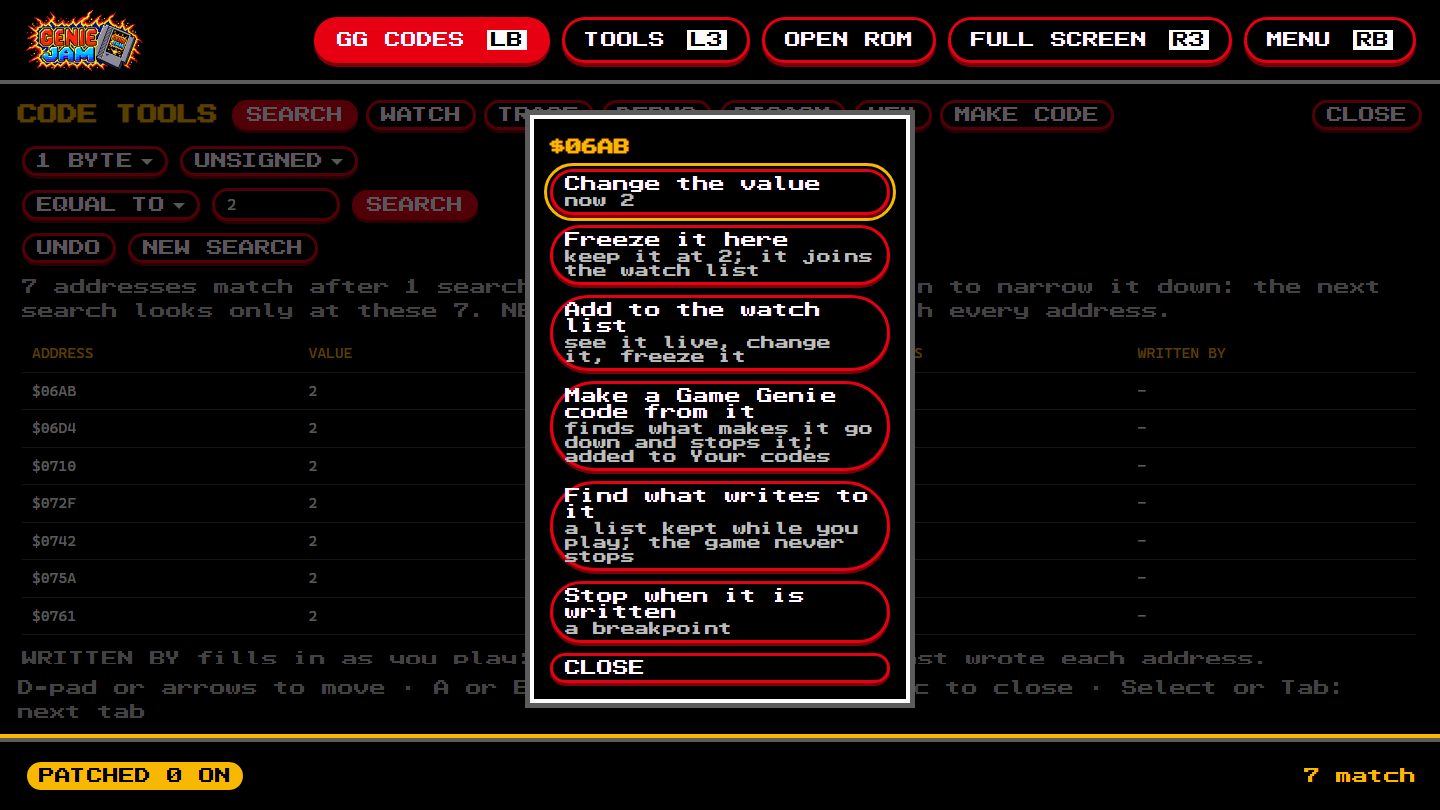
Found it? Make a code from it in one step. Genie Jam watches what lowers the number while you play and builds the code that stops it, in the console's own format, ready to keep.
What each tool does
- SEARCH finds a number in memory: one you see on screen, or one that went up or down.
- WATCH shows the numbers you picked live while you play, and lets you change or freeze them.
- DEBUG stops the game when a place in memory is read or written, so you see the exact instruction, and steps through it one at a time.
- DISASM shows the game's own program as instructions.
- HEX lets you browse every kind of memory: work RAM, cartridge RAM, the game program and video memory.
- MAKE CODE builds a code from a place in the program and a new value, adds lines to it, and lets you try it before you keep it.
The tools work the same on every console, with a controller, a mouse and keyboard, or touch.
Make it look and sound the way you like
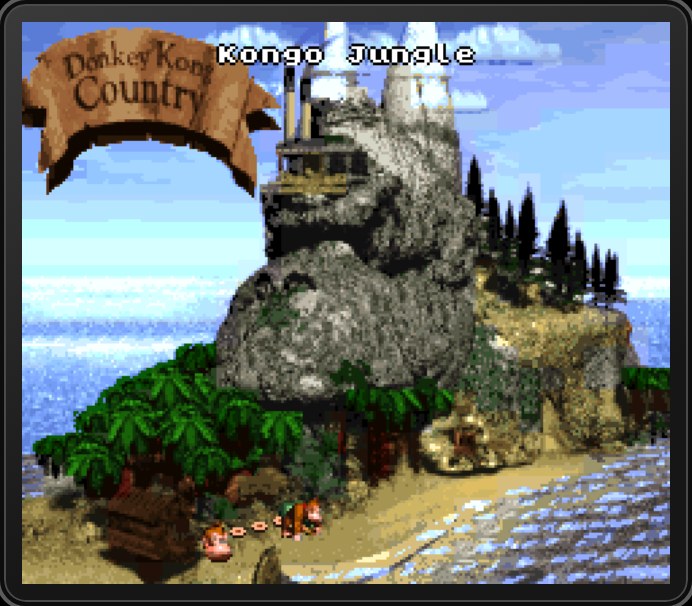
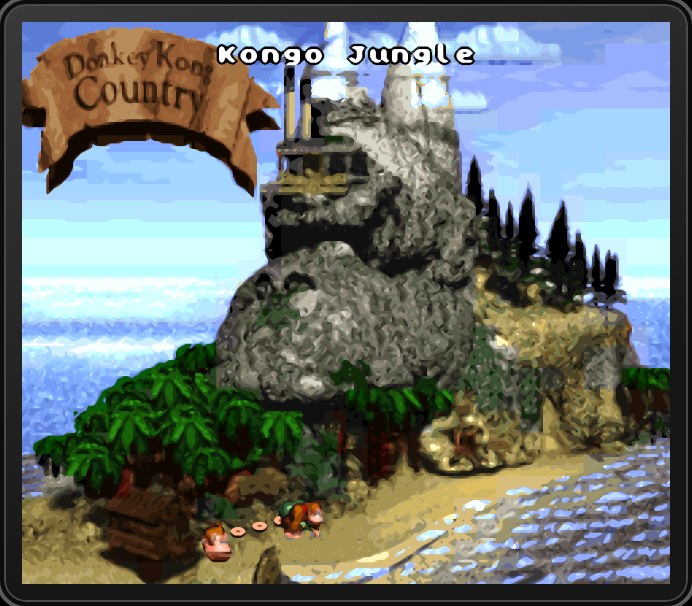
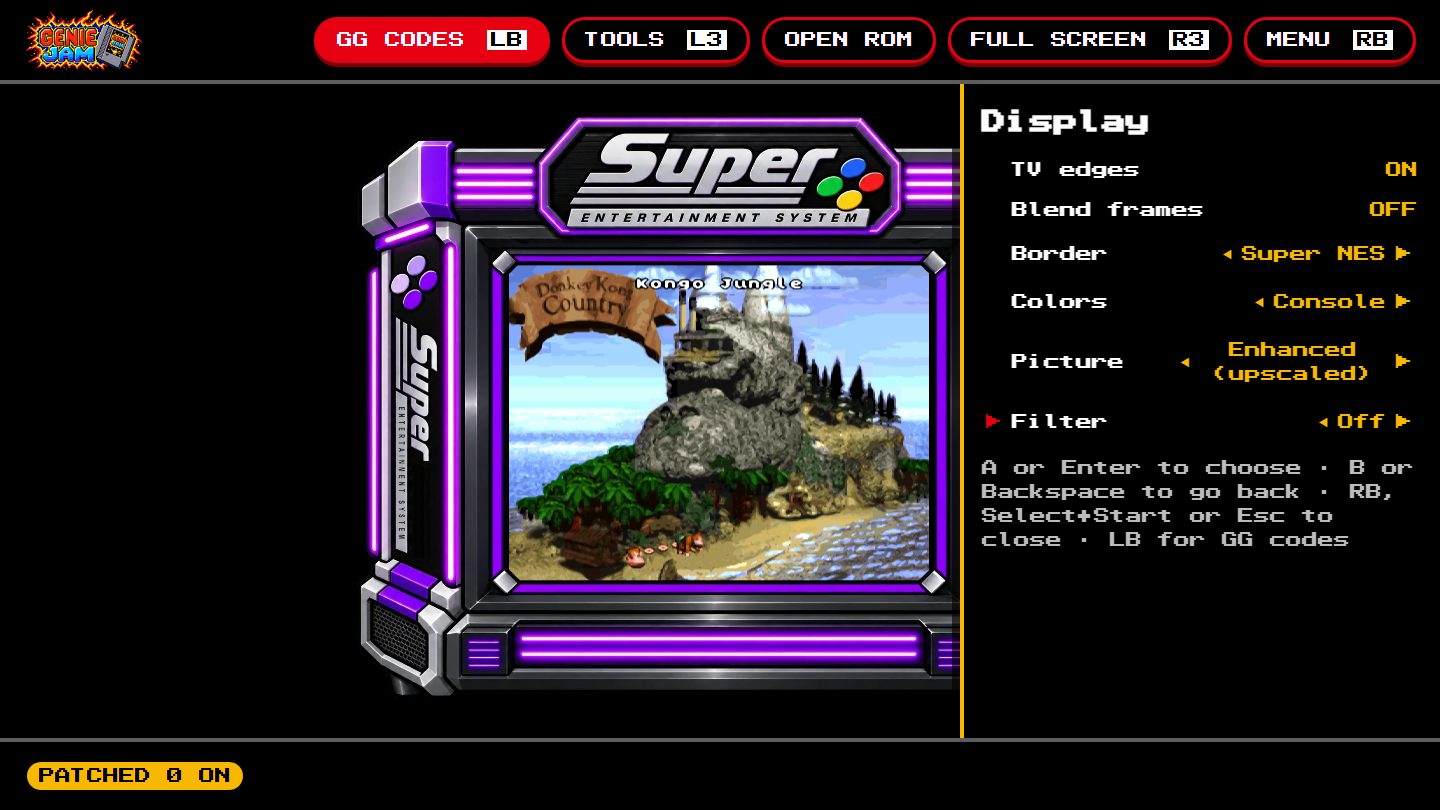
Display and Sound are in the menu (RB), and each console keeps its own choices: scanlines on the Genesis, an LCD grid on the Game Boy, the Enhanced picture on the Super NES.
Display and Sound
- Picture Original, or Enhanced (upscaled) on the Super NES and Game Boy Advance.
- Filter Scanlines, light scanlines, CRT, an LCD grid, or soft.
- Frame a TV set, the console itself, a handheld shell or a simple border.
- More TV edges, no sprite flicker, blended frames and the console's colors.
- Sound volume on every console, and the channels to turn up or off.
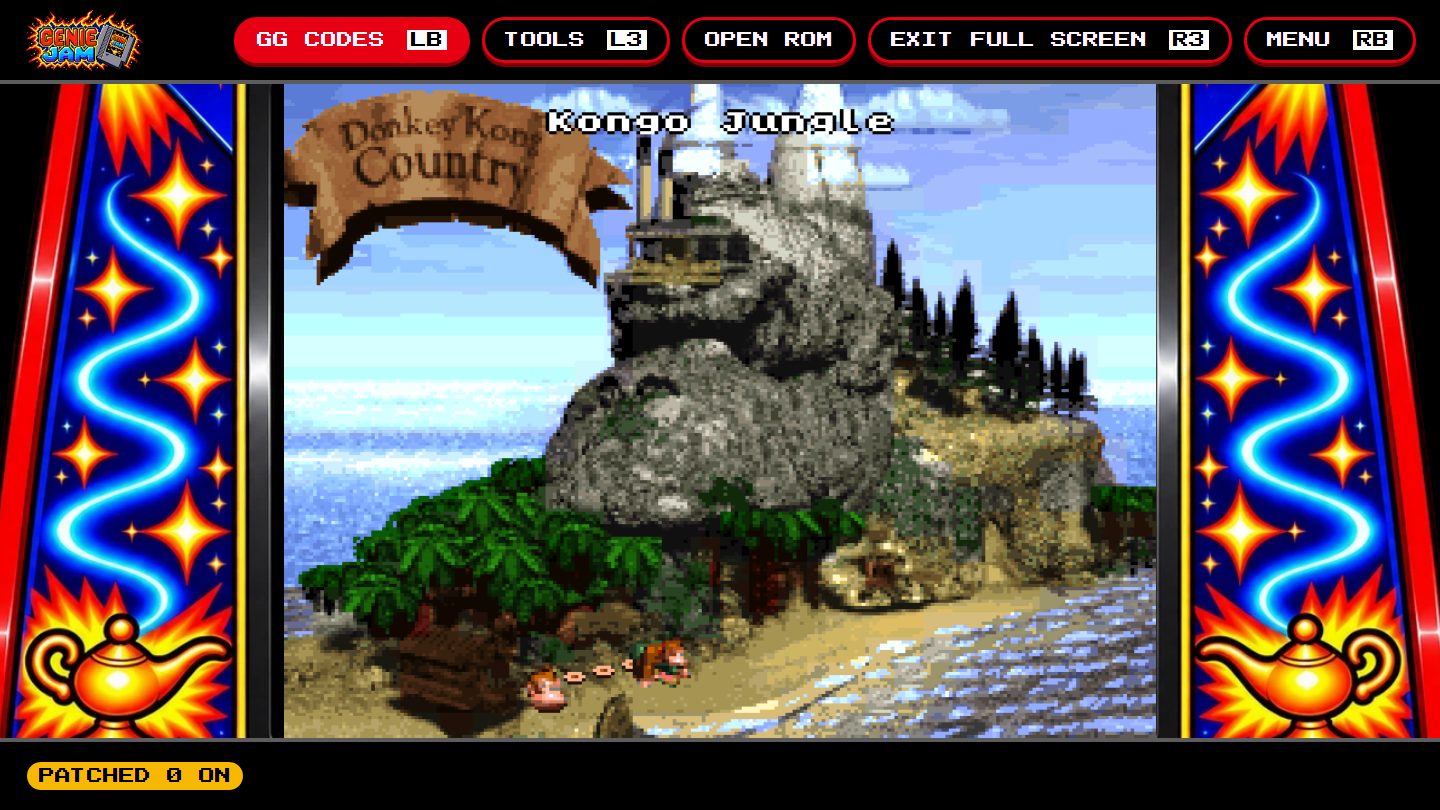
Full screen (R3) brings the game up close, and the codes panel, tools and menu still work in it.
Full screen, close up
In full screen the game fills the height of the screen and your cabinet or shell stays at its sides, as if you were leaning into the arcade screen or holding the handheld up to your face. Choose the simple border for the game alone.
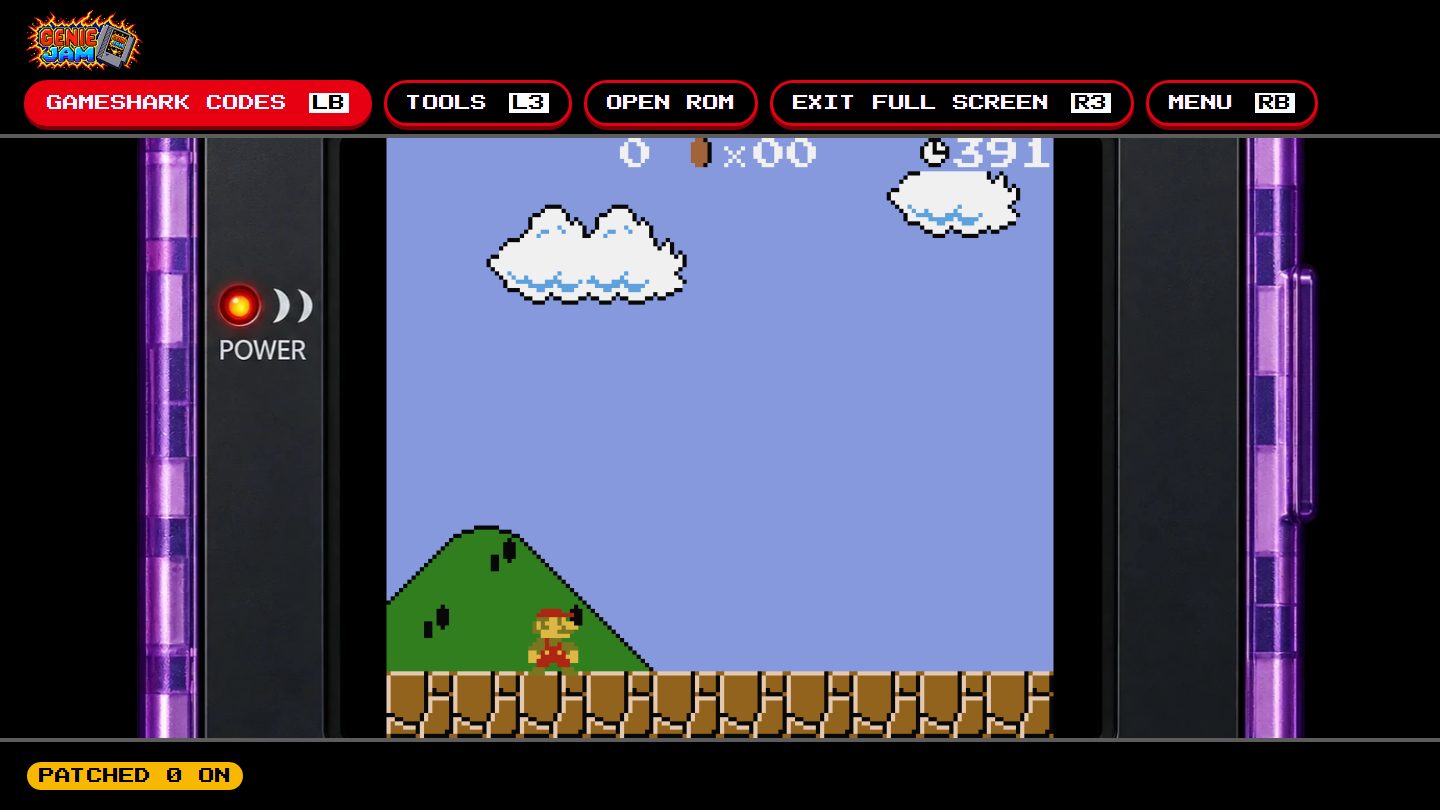
69 frames to play in
Put the game on an old TV set, in an arcade cabinet, on the console it came from, inside a handheld, or in a simple border. Pick one under Display in the menu and change it any time. Choose a console to see its frames:
Plays on a phone, upright or sideways
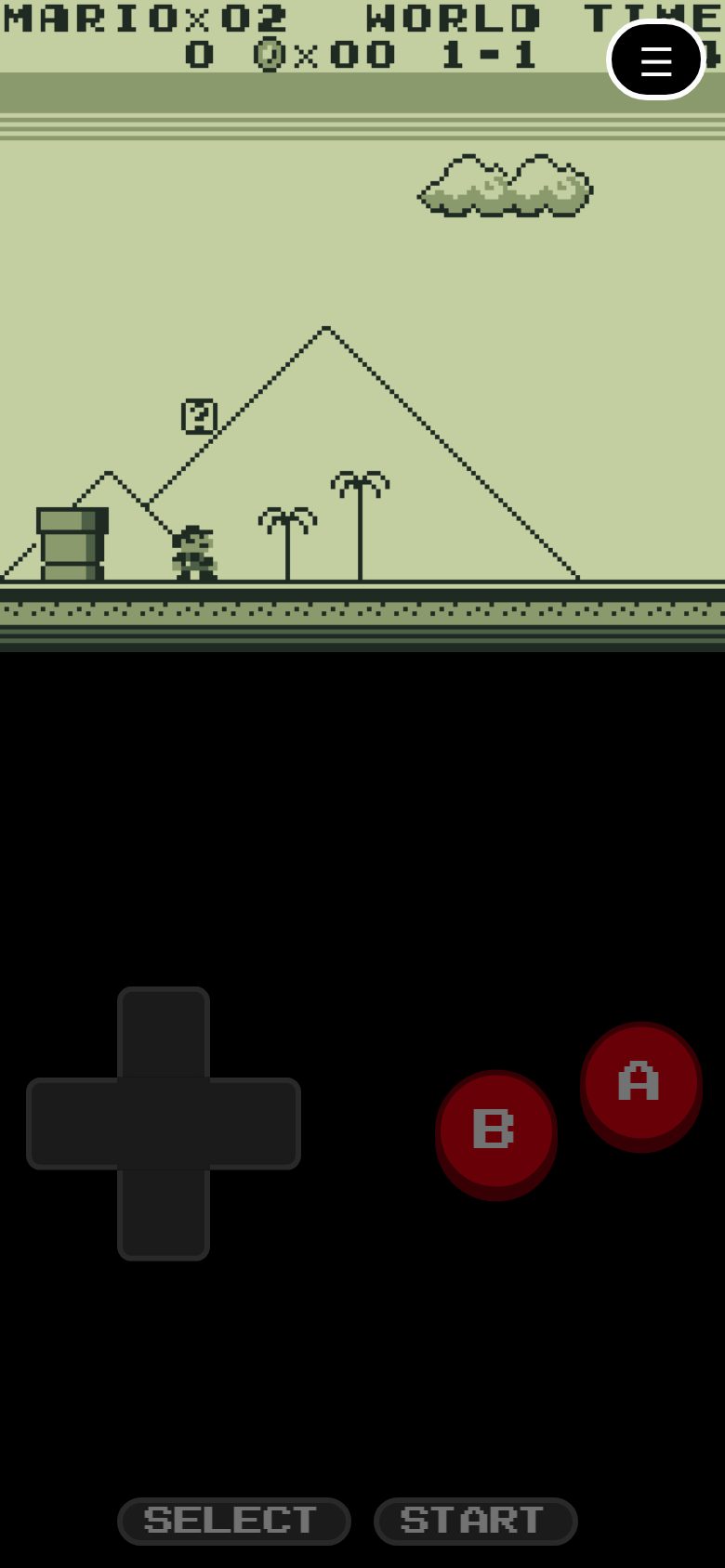
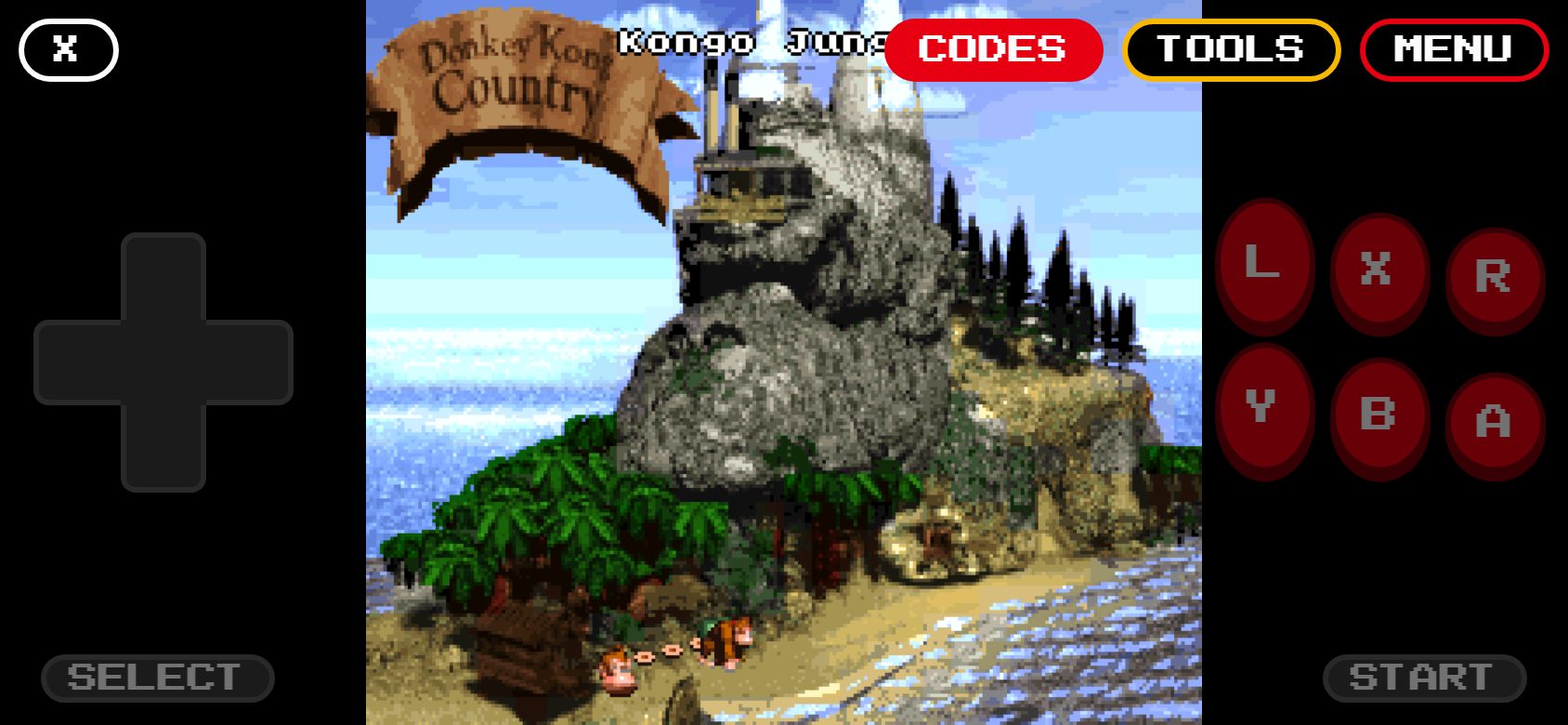
On a phone or tablet, touch the game and an on-screen controller appears, with the buttons of the console you are playing. Turn the phone and the layout follows. For long sessions a controller connected by Bluetooth or USB is the most comfortable; the on-screen controls are there for playing on the go.
Switch games or consoles in two presses
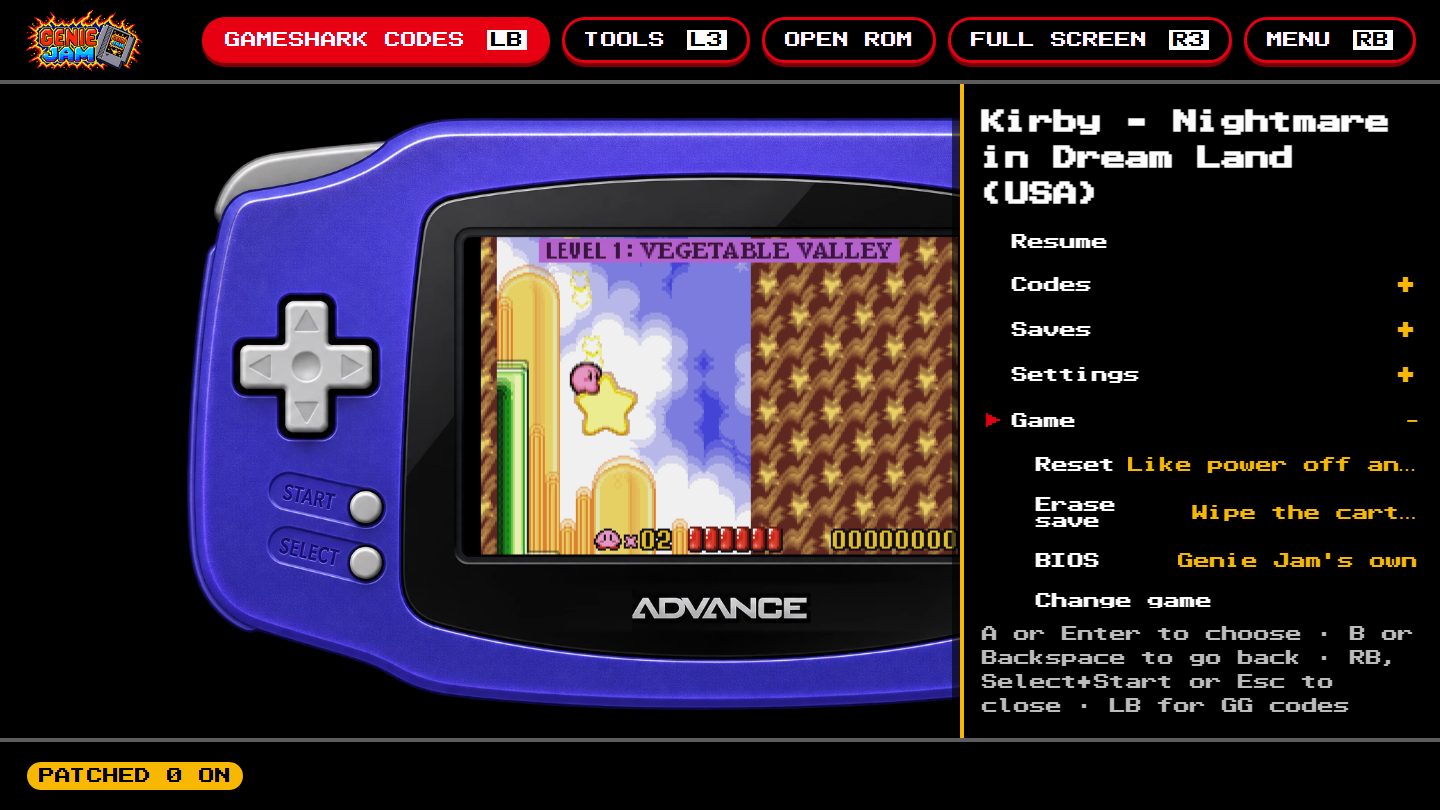
Press RB for the menu and open Game. Change game lists the games you played before, so the next one is a press away, or open a new one from your own files.
Choose a system takes you to the console picker: go from a Game Boy Advance game to a Genesis game without leaving the page. Your codes, saves and display choices are kept for each game and each console.
Made for a controller
Everything works from a controller: LB opens your codes, RB the menu, L3 the code tools, R3 full screen. Each console's buttons sit where its own pad had them, and you can map them your way. Keyboard, mouse and touch work too.
Saves
Four save-state slots for every game on every console, plus the game's own battery saves. Export them to a file to keep or move.
Nothing to install
It runs in your browser. Open the page, open a game, play. European games run at their own 50 Hz speed.
Stays with you
Your games, codes and saves stay in this browser. Nothing is uploaded.
How it works
- Open a game. Choose a system, then OPEN ROM for a game you own, or pick one you played before.
- Open your codes. Press LB, or click the codes button.
- Jam. Switch codes on or type your own. For random codes, open the menu (RB), turn on Random codes under Codes, then press RT for one.